Moodle Video Lesson Activity Plugin2026-07-07T12:34:51+05:30

The Open-Source Video Lesson Activity for Moodle™ Courses

Create structured video lessons inside Moodle with watch completion rules, skip prevention, learner engagement analytics, a clean video player, and optional managed video hosting.

Why Video Learning Still Feels Difficult in Moodle

Moodle is excellent for courses, quizzes, assignments, and completion tracking. But video learning often needs more than uploading a file or embedding a YouTube link.

Teachers need to know whether students actually watched the video. Administrators may need completion rules for compliance. Growing Moodle sites need reusable video management, reliable playback, and scalable hosting.

No reliable skip prevention

Students can jump ahead without watching required video content.

Limited engagement analytics

Teachers need clearer data on watch time, views, and completion.

Video hosting becomes a bottleneck

Large video files can slow Moodle sites and create playback issues.

External tools fragment the workflow

Video platforms often add extra dashboards, embeds, and disconnected reporting.

What Video Lesson Activity Adds to Moodle

Features that make Video Lesson an essential tool for delivering high-quality, video-based learning courses.

Add Video Lessons Like Any Moodle Activity

Add video lessons just like any other Moodle activity — no external dashboards or disconnected tools.

Manage and Reuse Videos Across Courses

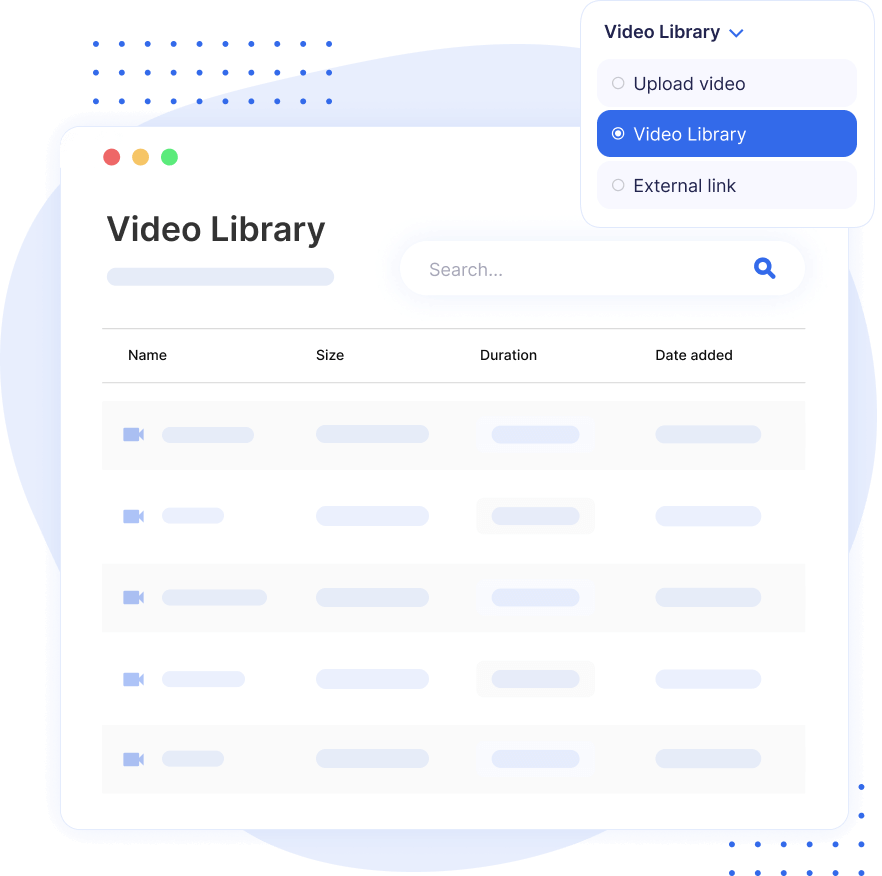
Organize, manage, and reuse videos from a central built-in library.

See Watch Time, Views, and Completion

Track watch time, completion percentage, views, and student-level insights.

Require Students to Watch a Set Percentage

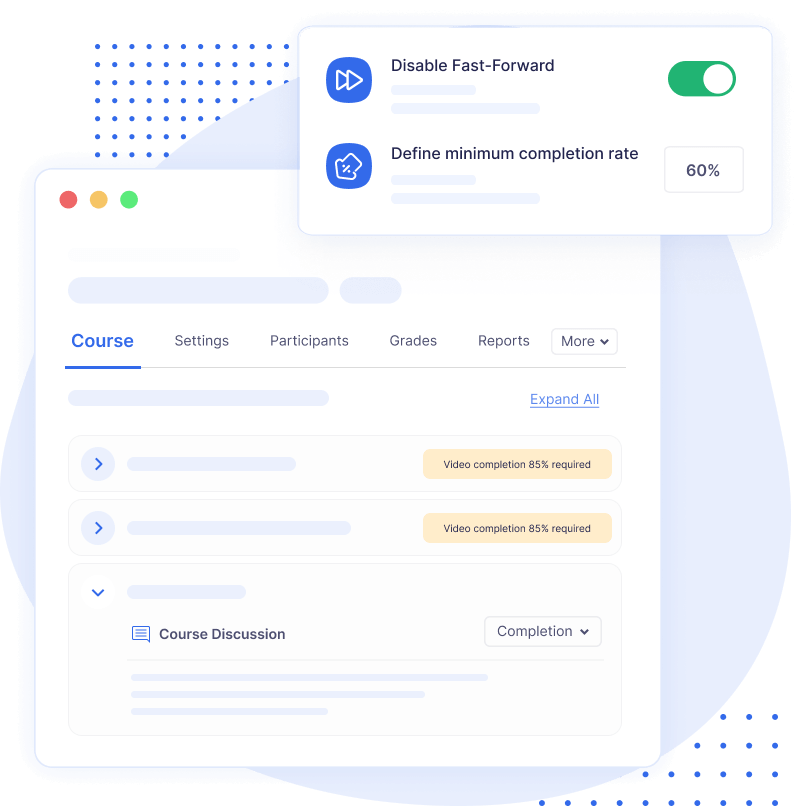
Require students to watch a minimum percentage, such as 90%, before progressing.

Upload and Prepare Multiple Videos Faster

Upload multiple videos at once and prepare them for streaming automatically.

Use YouTube, Vimeo, MP4, or Hosted Videos

Embed YouTube or Vimeo videos, use direct MP4 URLs, or connect hosted video sources.

Stream Videos Reliably with AWS or MooPlugins Hosting

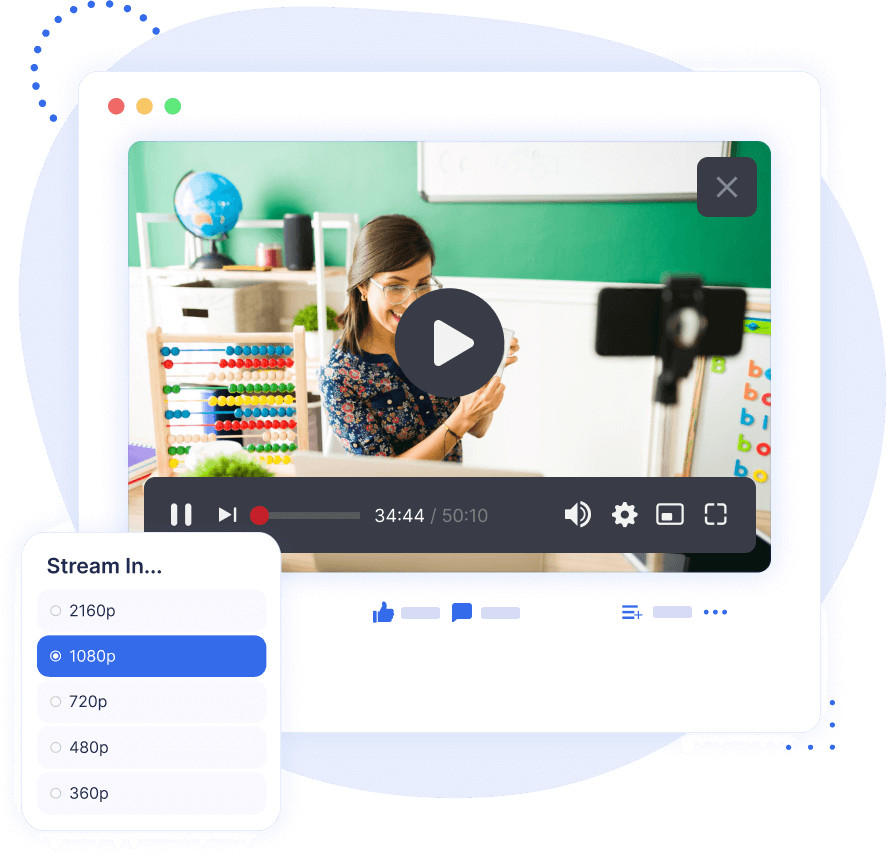
Use adaptive streaming, automatic transcoding, and scalable delivery through your own AWS setup or MooPlugins managed hosting.

Keep Students Focused with a Clean Player

Use a distraction-free VideoJS player designed for clear, focused learning.

Insert Videos Inside Moodle Content

Insert videos into labels, pages, quizzes, and descriptions using the built-in editor button.

The Video Lesson Activity is free and open source.

What This Solves for Moodle Video Learning

Moodle Video Lesson Build Engaging Video

Build structured video lessons, not just embedded videos

Add video as a proper Moodle activity so it can sit naturally inside your course flow.

Moodle Video Lesson Easily Upload Videos

Use the video source that fits your setup

Add video as a proper Moodle activity so it can sit naturally inside your course flow.

Moodle Video Lesson Get Useful Video Analytics

Track whether students are actually engaging

View watch time, views, completion percentage, and student-level progress.

Moodle Video Lesson Streamlined Clean Video Player

Keep playback focused

Use a clean VideoJS player designed for learning, not distraction.

Moodle Video Lesson Meet Compliance

Support compliance and required training

Set minimum watch thresholds and prevent fast-forwarding where full viewing is required.

Optional Managed Hosting for Video Lessons

The Video Lesson Activity plugin is free and open source. Managed hosting is optional and is only needed if you want MooPlugins to handle storage, transcoding, adaptive streaming, and scalable video delivery for you.

Starter

$0

Try for free

What’s included:

  • 5GB storage

  • 1GB/month upload limit
  • Plugin support

Basic

$49

per month

What’s included:

  • 500GB storage
  • 10GB/month upload limit

  • Plugin support

Standard

$99

per month

What’s included:

  • 1TB storage
  • 25GB/month upload limit
  • Plugin support

Advanced

$199

per month

What’s included:

  • 2TB storage
  • 50GB/month upload limit
  • Plugin support

All plans include

We want you to love what you purchase! If you’re not completely satisfied, you can request a full refund within 14 days. Your satisfaction is our priority.

How It Compares to External Video Platforms

A quick look at how Video Lesson Activity differs from third-party VMS tools like Panopto, Kaltura, or Vimeo.

Feature Video Lesson Moodle Panopto Kaltura Youtube/Vimeo
Dedicated Moodle activity
Video library
Video analytics
Video completion rule
Clean video player
Adaptive bitrate streaming
TinyMCE editor button

Learn More About Moodle Video Learning

A deeper look at the journey behind the Video Lesson plugin — from the challenges we saw in Moodle’s video experience to the reasons we chose to build a dedicated, modern, open-source solution.

BLOG POST

Why Moodle Struggles With Video-Driven Courses

Discover the journey behind the Video Lesson Activity plugin: the problems educators faced with Moodle’s video handling, and how those challenges led us to build a dedicated, modern solution for video-driven learning.

BLOG POST

Why Moodle Alone Isn’t Enough for Video Learning

An explanation of Moodle’s limitations with video hosting, performance bottlenecks, file storage, and why a scalable video solution is essential today.

Frequently Asked Questions

Have questions? See the list below for commonly asked questions. If your question is not listed here, then please contact us.

What is video lesson activity plugin?2025-12-11T16:56:33+05:30

The Video Lesson Activity is a Moodle plugin for creating structured, video-driven lessons. It supports uploads, embeds, and direct video URLs, includes a clean player with fast-forward control, and offers analytics, a video library, and completion rules to track and enforce learner engagement.

Who should use the Video Lesson plugin?2024-11-29T20:55:28+05:30

The Video Lesson plugin is ideal for educators, trainers, and organizations looking to create engaging, video-driven courses in Moodle. It’s perfect for anyone who wants to offer high-quality videos within their Moodle environment without relying on third-party platforms like Panopto, Kaltura, or Vimeo.

Do I need coding skills to install Video Lesson plugin?2024-11-29T20:41:24+05:30

No, you don’t need any coding skills to install the Video Lesson plugin. Just follow the standard Moodle plugin installation process, and you’ll be up and running in no time. Detailed instructions are provided in documentation to guide you through the setup.

Do you offer refunds on managed hosting or paid services?2026-06-24T13:35:13+05:30

Yes, absolutely! If you’re not completely satisfied with your purchase, you can request a full refund within 14 days. We want you to love what you buy, and your satisfaction is our top priority. For more details, please review our Refund Policy.

What is video transcoding?2024-11-20T12:26:59+05:30

Video transcoding is the process of converting video files from one format to another by adjusting parameters such as resolution, encoding, and bitrate. Using adaptive bitrate streaming, transcoding enhances video playback by dynamically adjusting video quality based on network conditions. This ensures smooth playback for viewers, regardless of their device, location, or internet speed, particularly over HTTP networks.

Does this plugin support video completion tracking?2025-06-18T12:08:34+05:30

Yes. You can enforce a minimum watch percentage (e.g., 90%) and prevent fast-forwarding to ensure learners fully engage before moving on.

Is the plugin really open source?2025-12-10T16:02:09+05:30

Yes. The core plugin is freely available on GitHub for download, review, and contribution.

Do I need hosting to use the plugin?2025-12-11T16:59:42+05:30

No. Hosting is completely optional. You do not even need an AWS setup if you plan to:

  • use a direct video URL that ends with .mp4, or
  • embed videos from YouTube, Vimeo, or any external provider.

AWS (or MooPlugins hosting) is only needed if you want automatic transcoding, adaptive streaming (HLS), and scalable video delivery.

Go to Top